
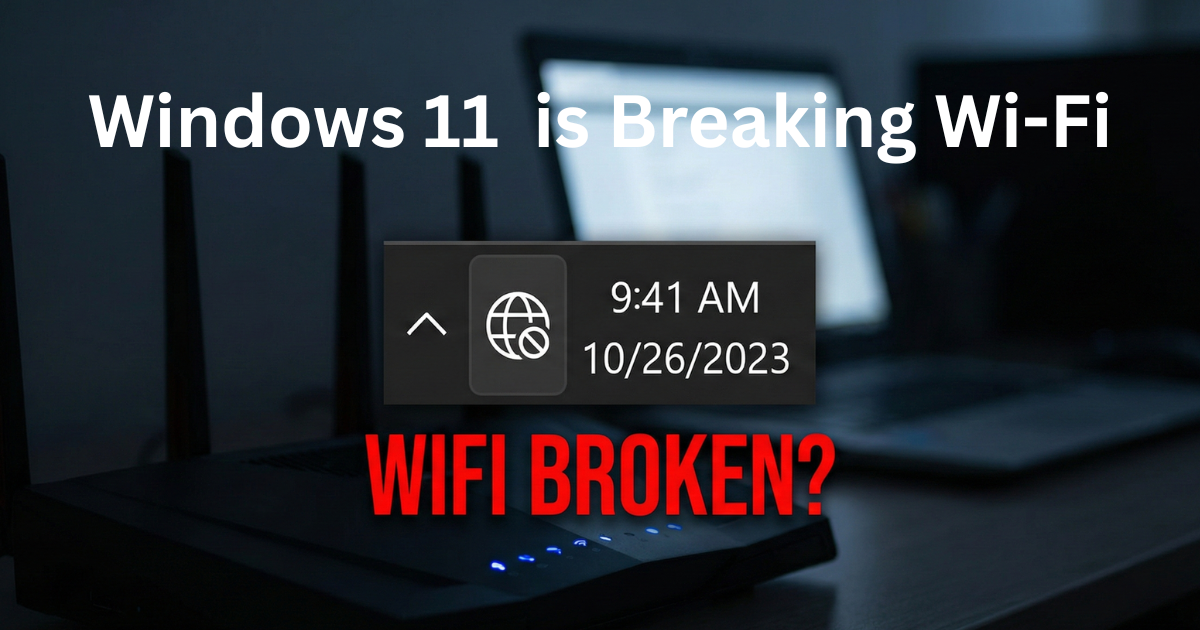
Imagine this: You boot up your PC on a Monday morning, ready to work. Your Wi-Fi icon in the bottom corner shows full bars. But when you open your browser, nothing loads. You are hit with the dreaded “Connected, no internet” error.
You restart your router. Nothing. You forget the network and reconnect. Still nothing.
Before you spend an hour on hold with your ISP or buy a new Wi-Fi adapter, stop. Your router is fine. Your hardware is fine. Microsoft broke your internet.
Over the last 48 hours, a massive wave of users have discovered that the latest Windows 11 February 2026 Security Update (KB5077181) contains a critical bug that completely destroys the operating system’s DHCP stack.
Here is exactly what this update broke behind the scenes, and the 30-second Command Prompt fix you need to get your PC back online right now.
The KB5077181 DHCP Disaster
Microsoft released KB5077181 to patch over 50 security vulnerabilities, including some nasty zero-days. But in the process of securing the OS, they inadvertently broke how Windows talks to your router.
The issue specifically targets DHCP (Dynamic Host Configuration Protocol).
When your PC connects to Wi-Fi, it asks your router for an IP address via DHCP. Because of the bug in this new update, Windows 11 essentially puts its fingers in its ears and ignores the router’s response. Instead of getting a valid local IP address (like 192.168.1.5), Windows panics and assigns itself an APIPA address (Automatic Private IP Addressing).
The result? Your PC thinks it is connected to the router, but the router refuses to route any actual internet traffic to it.
Full bars, but absolutely zero internet. This is the hallmark of the KB5077181 bug.
The Symptoms: Are You Affected?
How do you know if Microsoft is the culprit, or if your internet is actually just down? Check for these three symptoms:
- Your phone works fine: If your smartphone is connected to the exact same Wi-Fi network and loads web pages perfectly, your router is not the problem.
- The “Connected, no internet” warning: Your Windows 11 taskbar shows the Wi-Fi or Ethernet icon, but hovering over it displays the dreaded “No internet access” globe icon.
- You recently updated: If you check your Windows Update history and see that KB5077181 or a recent February 2026 cumulative update was installed in the last few days, you are a victim of this bug.
How to Fix It (The 30-Second CMD Method)
Do not bother with the built-in Windows “Network Troubleshooter.” It will just spin for five minutes and tell you to reset your router.
To fix this, we have to manually flush the corrupted network stack that the update left behind. You can do this in about 30 seconds using the Command Prompt.
Step 1: Click the Start menu, type cmd, right-click on Command Prompt, and select Run as administrator. (This is crucial—it will not work without admin privileges).
Step 2: You need to type the following five commands exactly as they appear. Press Enter after each one and wait for it to execute:
netsh winsock resetnetsh int ip resetipconfig /releaseipconfig /renewipconfig /flushdns
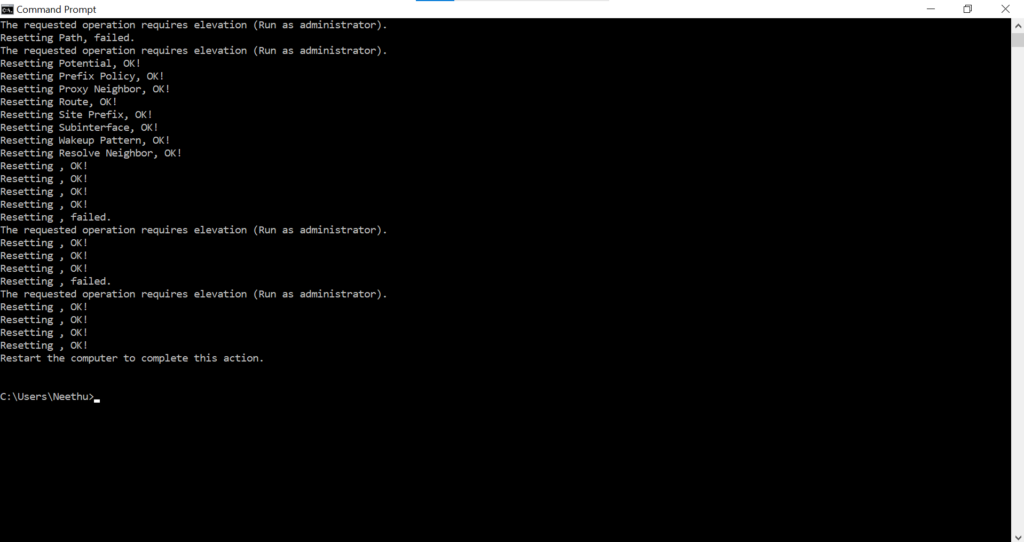
Running these exact commands will flush the corrupted IP settings and force Windows to properly shake hands with your router again.
Step 3: Restart your computer.
For about 90% of affected users, this completely resolves the DHCP handshake issue and restores internet access immediately upon reboot.
The Nuclear Option: Roll Back the Update
If the Command Prompt fix doesn’t stick, or if the internet drops again after a few hours, you have no choice but to amputate the buggy update from your system.
Here is how to cleanly remove it:
- Go to Settings > Windows Update > Update history.
- Scroll to the bottom and click Uninstall updates.
- Locate Security Update for Windows (KB5077181) in the list and click Uninstall.
- Let the PC reboot.
Once you are back online, I highly recommend going back into your Windows Update settings and clicking “Pause updates for 1 week.” If you don’t do this, Windows will just try to secretly reinstall the broken patch tonight while you are sleeping.
The Verdict: Quality Control is Dead
Microsoft is currently pushing a narrative that 2026 is the year of the “AI PC,” highlighting features like Copilot and Recall. But incidents like this prove that their basic quality control is slipping.
We don’t need an operating system that can write a poem for us. We need an operating system that can connect to a Wi-Fi router without having a mental breakdown. Until Microsoft patches the patch, keep those Command Prompt codes handy.
Also read:
GTA VI Reportedly Delayed to 2027? Why the “Official Denial” Should Worry PC Gamers.
Firefox Just Added an “AI Kill Switch”: Why I’m Switching Browsers Today